Meeting Room Overview

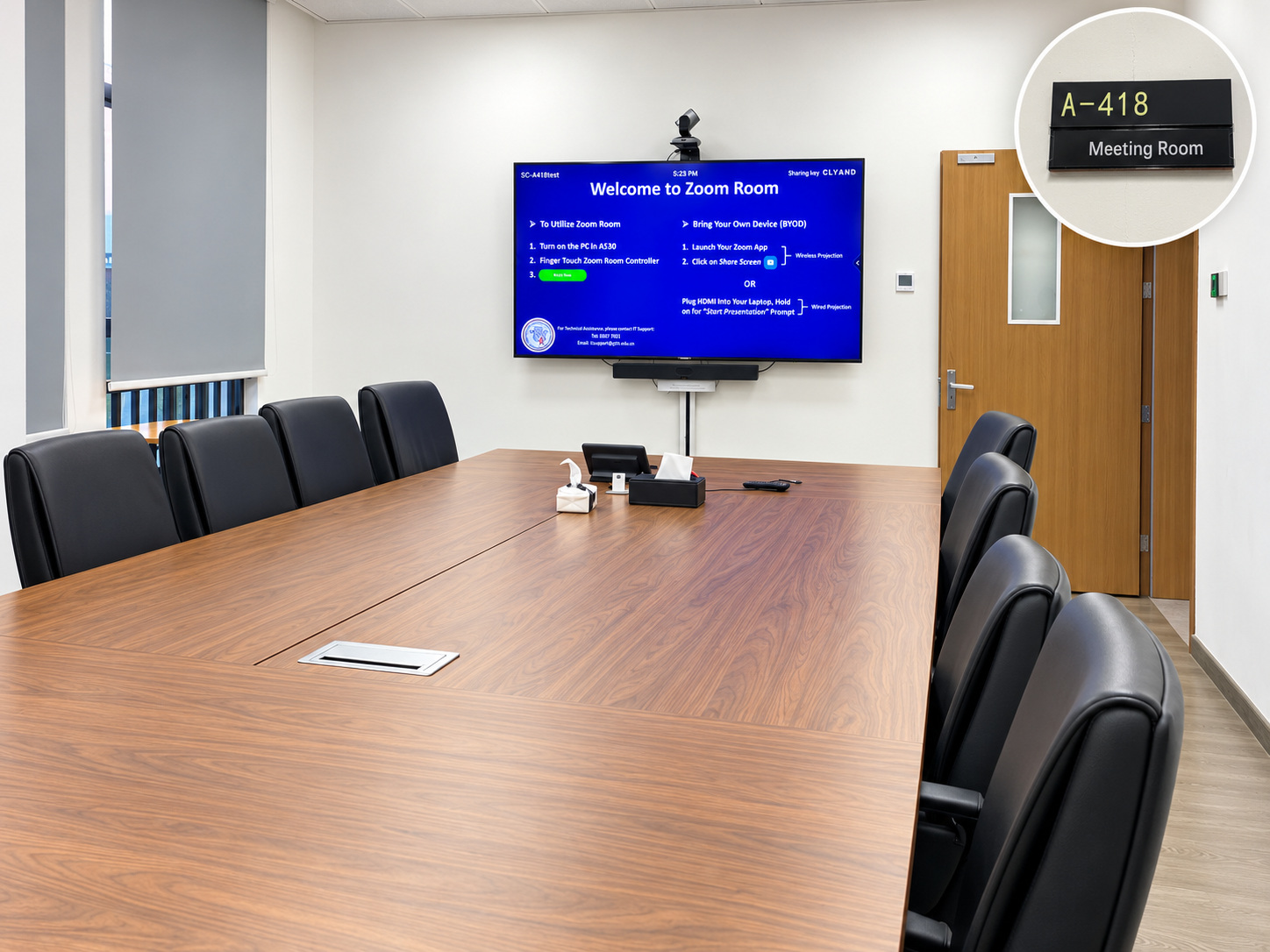
SC-A418 is equipped for face-to-face presentations and online or hybrid Zoom meetings, offering flexible ways to share content and collaborate.

You can share your laptop screen wirelessly using Zoom, connect directly to the meeting room TV via USB-C, or join a scheduled Zoom meeting using the room’s camera, microphones, and speakers.

Select the appropriate guide below for step-by-step instructions on getting started.

SC-A418 meeting room overview with A-418 door sign

Bring your own laptop

No computer is provided in this room. Please bring your laptop if you need to present or share files.

Suitable for

  • Face-to-face meetings and presentations.
  • Wireless screen sharing from your laptop.
  • Presentations using a USB-C connection.
  • Online or hybrid Zoom meetings using the room’s camera, microphone, and speakers.

Room at a glance

Room information

Room: SC-A418
Campus: South Campus
Building: Admin Building
Room type: Meeting Room

Available equipment

Meeting room TV
Meeting room touch panel
Camera, microphone, and speakers: available for online meetings
Connections: Zoom wireless screen sharing and USB-C
Computer: Not provided

What would you like to do?

Select a card to open a short step-by-step guide.

What if I don't have a laptop?

The room does not provide a computer.

You can use the room for meetings that do not require presenting files. If a presentation is needed, please bring your laptop.

External visitors who do not have a laptop should ask their GTIIT host to provide one.

Need to reserve SC-A418?

Follow the booking instructions on the Meeting Rooms directory. Room reservations require University Office approval.

Need help?

Contact IT Support if the room equipment does not work as described.

ServiceHub: servicehub.gtiit.edu.cn  |  Email: itsupport@gtiit.edu.cn